
At your premises
Use a working Wi-Fi connection and keep devices powered. Check the areas where staff take calls, including away from the router.
Business VoIP in Australia
VoIP sends calls over Wi-Fi or mobile data. With Seglo Phone, your team makes and answers business calls in an app, while customers dial your Australian 04 number as usual.
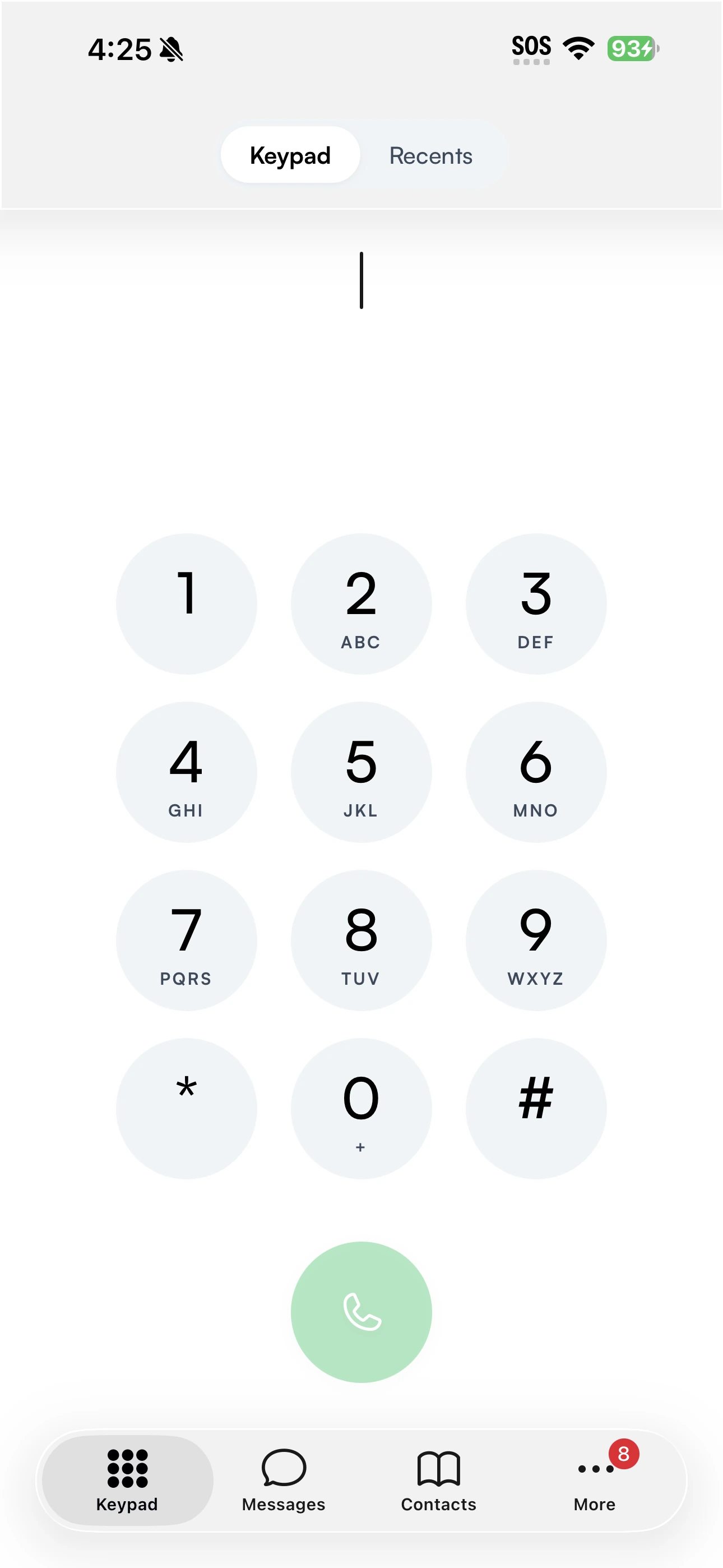
Customers do not need an app or an account. Your team can answer the same business number from the devices they already use.
Connection checklist
Use a working Wi-Fi connection and keep devices powered. Check the areas where staff take calls, including away from the router.
The app can use mobile data. Reception and connection quality affect calls, so check the places your work takes you.
VoIP cannot connect without internet and power. Keep a mobile or fixed line as a separate way to reach emergency services.
Good questions.
Voice over Internet Protocol means calls travel over an internet connection. In Seglo Phone, your team uses Wi-Fi or mobile data to call from the business number. Customers use their usual phone to reach you.
Every calling device needs a working internet connection and power. Call quality depends on the connection at both ends. Seglo does not publish a minimum speed or a call-quality, latency or uptime guarantee.
Seglo Phone is an app-based service for phones and tablets. It does not provide a SIP trunk for your own phone system and does not support desk handsets or phone adapters.
Standard Australian calls, SMS and MMS are included under fair use, with no per-minute or per-message metering. International calls are not included or enabled by default; where available, they are charged separately at published rates.
Yes, with a working internet connection and power. Emergency services receive your registered service address, not your live location. Tell the operator where you are and keep another way to call during an outage. The app does not carry 106 as a voice call.
Your next conversation starts here
One Australian number. Your team, on the phones they already have.
$79/month per number for 2 people · $149 setup · Ex GST
$149 setup, then $79/month for two people. Extra people $29/month each, up to five. Excludes GST, itemised on your invoice. Month to month; $0 exit charge. Minimum cost $228.
Critical Information Summary000 and 112 need power and internet. Emergency services receive your registered address, not your live location. Keep a mobile or fixed line available for outages. The app does not carry 106 voice calls.
Service termsFor everyday customer conversations. Bulk marketing uses the separate platform messaging channel. Broadcast-like sending is throttled.
Acceptable use