Your connection
Calls need internet and power. Try the Wi-Fi and mobile data where your team will actually answer.
Cloud phone system
Answer the business number from the shop, from home or between visits. Calls run in the Seglo Phone app over Wi-Fi or mobile data, with no phone server to install.
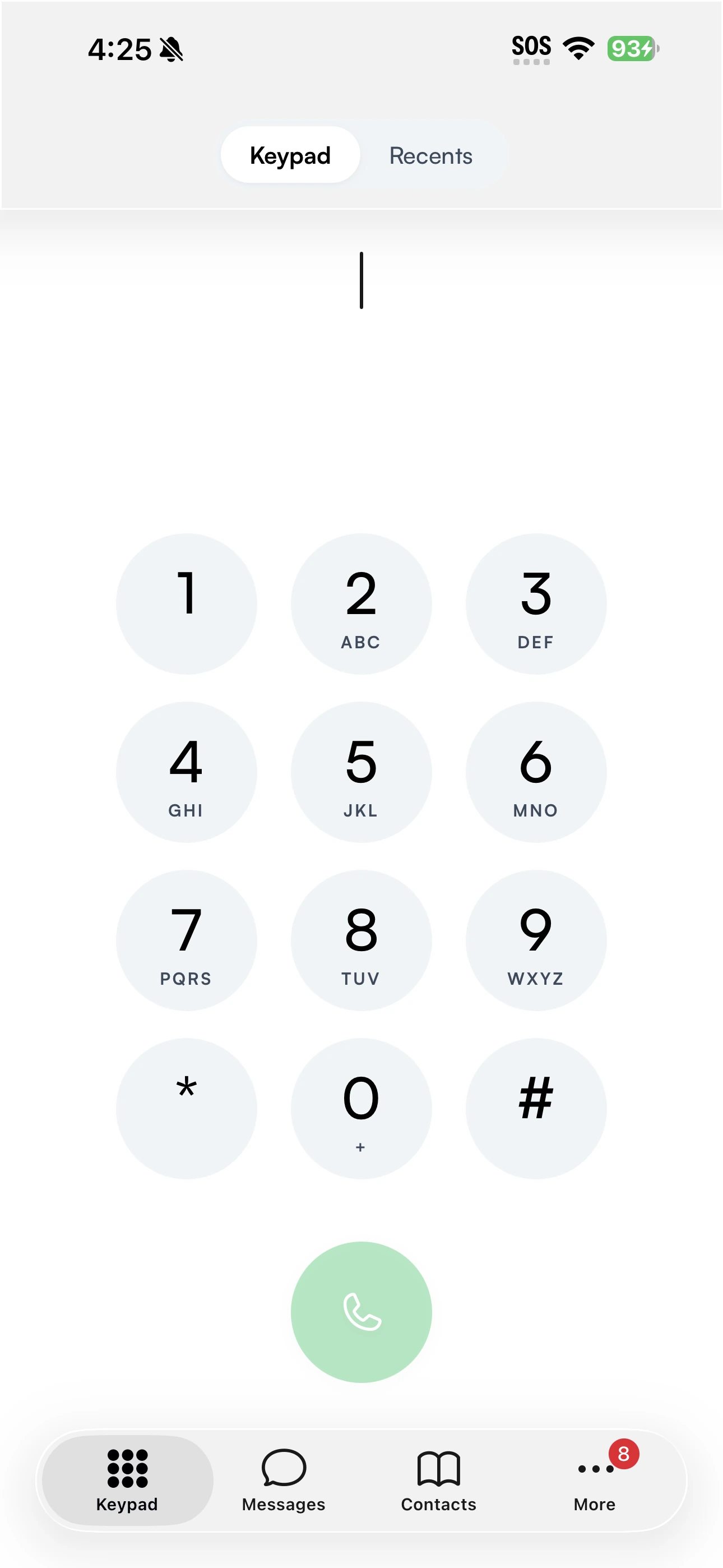
Give each person access to the number. They sign in on their own device and choose which business lines ring.
Before switching
Calls need internet and power. Try the Wi-Fi and mobile data where your team will actually answer.
Ring available teammates, then use forwarding, voicemail or optional AI reception for unanswered calls.
Keep a separate way to call emergency services. Register the correct service address and tell the operator if you are somewhere else.
Good questions.
The provider runs the phone service online, and your team connects over the internet. With Seglo Phone, calls arrive in an app on phones and tablets. You do not install or maintain a phone server at your premises.
Yes, with the Seglo Phone app, a working internet connection and power. Emergency services receive the service address registered to the number rather than the caller’s live location, so tell the operator where you are.
Seglo Phone uses its app on phones and tablets. Desk handsets and phone adapters are not supported. Customer messages can also be managed on the web; voice calling is in the native app.
The app cannot make or receive calls without internet and power, including emergency calls. Keep another way to call at each location. Mobile data may be an alternative when Wi-Fi is unavailable, provided that connection works.
Your next conversation starts here
One Australian number. Your team, on the phones they already have.
$79/month per number for 2 people · $149 setup · Ex GST
$149 setup, then $79/month for two people. Extra people $29/month each, up to five. Excludes GST, itemised on your invoice. Month to month; $0 exit charge. Minimum cost $228.
Critical Information Summary000 and 112 need power and internet. Emergency services receive your registered address, not your live location. Keep a mobile or fixed line available for outages. The app does not carry 106 voice calls.
Service termsFor everyday customer conversations. Bulk marketing uses the separate platform messaging channel. Broadcast-like sending is throttled.
Acceptable use